Framer Plugin
Embed Minform forms directly inside Framer — install from the Framer Marketplace, pick a form, and drop it onto any page.
Monthly product updates, new features, and improvements.
Embed Minform forms directly inside Framer — install from the Framer Marketplace, pick a form, and drop it onto any page.
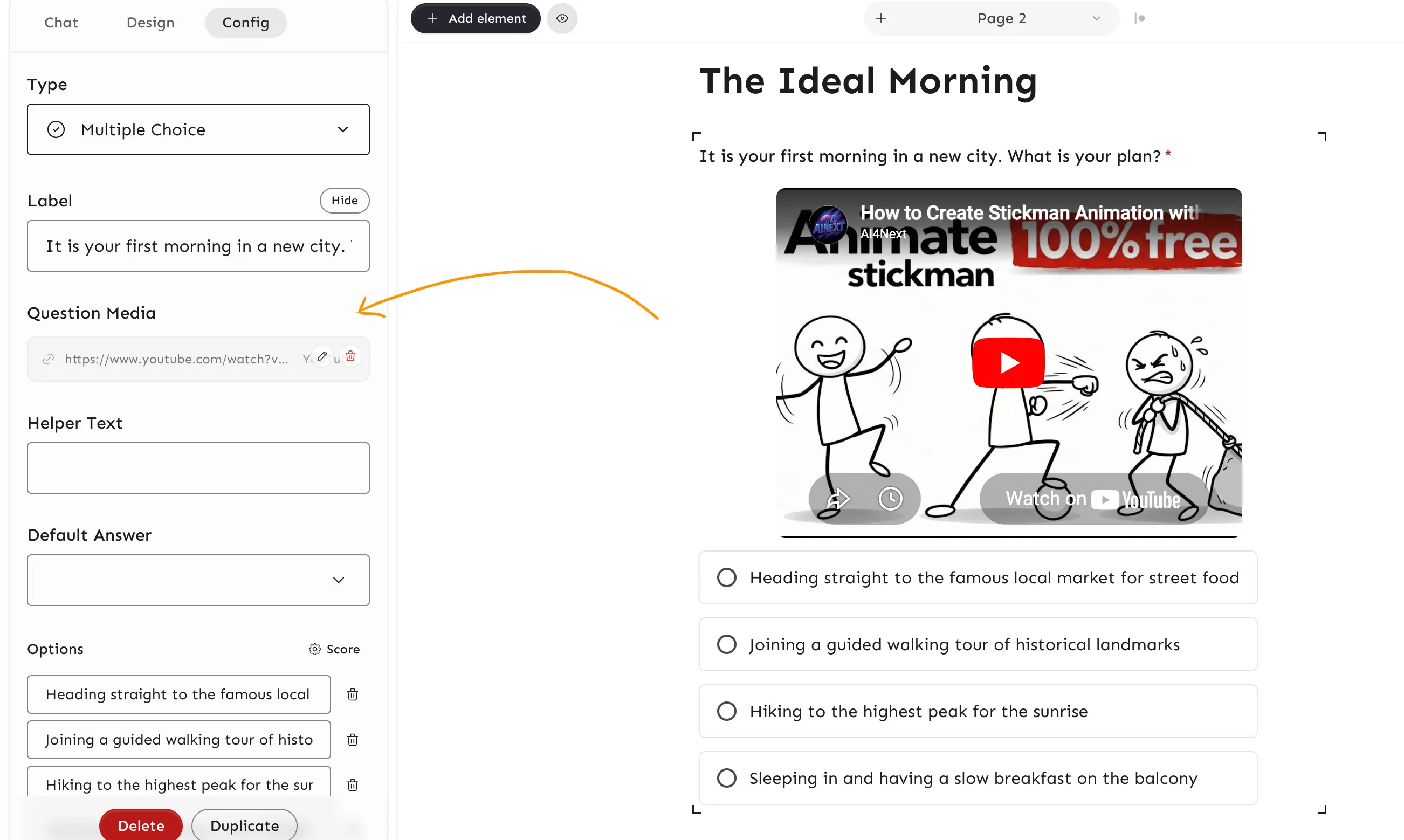
Attach images, audio, video, or URLs (YouTube, Vimeo) to any question — displayed below the label, above the input. Supports 16 input element types with alignment, width, and alt text controls. Check out the doc here.

Deleting a form now also removes any associated template to prevent orphaned public template cards.
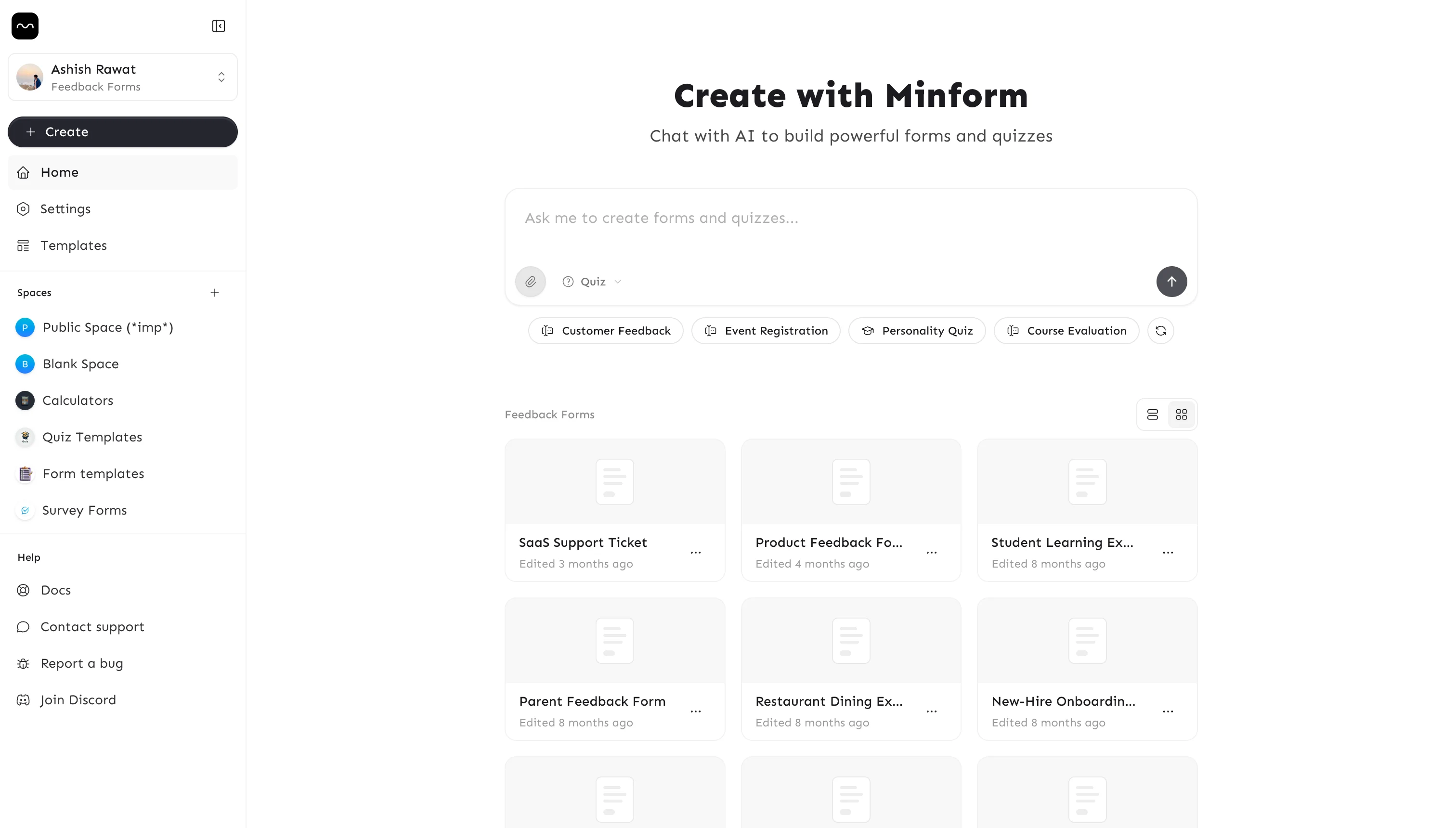
Major visual overhaul — the entire app has moved from a dark-first to a clean light theme. The dashboard has been completely redesigned with a new sidebar navigation, AI chat prompt on the home screen, quick-start template suggestions, and a simpler form list layout. The editor and all public pages (landing, features, pricing) also received the new light treatment.

Quiz creators can now choose when to reveal correct answers — immediately after each question or only at the end. Plus, set a maximum submissions cap to auto-close forms after a target number of responses.
Added new use case pages (image to quiz, PDF to quiz, and more) and comparison pages (vs Typeform, vs Google Forms, etc.).
New users now receive a welcome email on signup, and cancellation emails are sent when a subscription ends.
New Drop-off tab in Insights shows where people stop completing your form — reach, answer rate, and drop-off attribution per question.

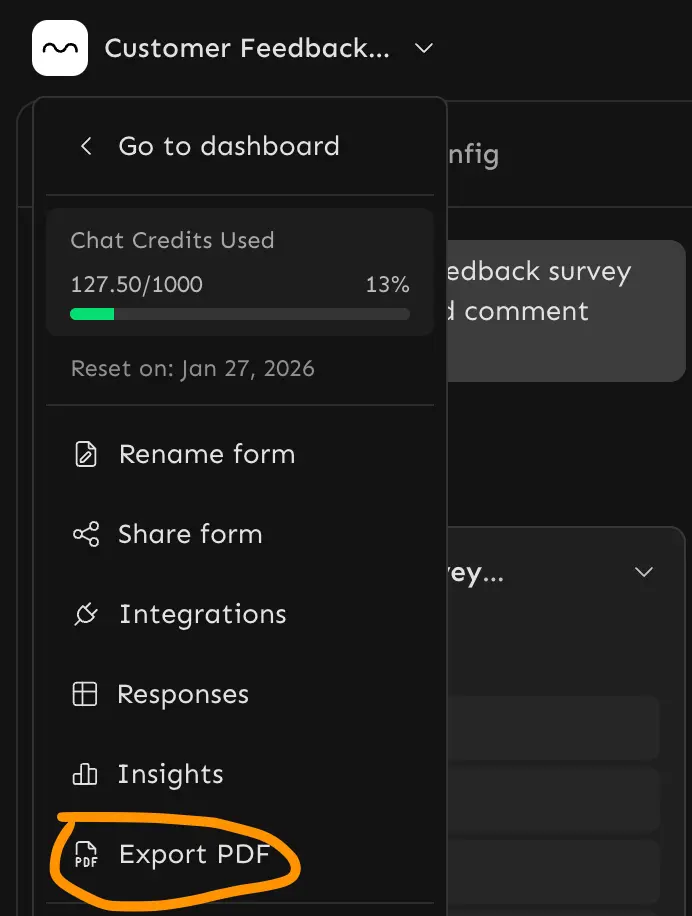
Export any form as a printable PDF. Click the form title in the editor nav bar and select Export PDF.

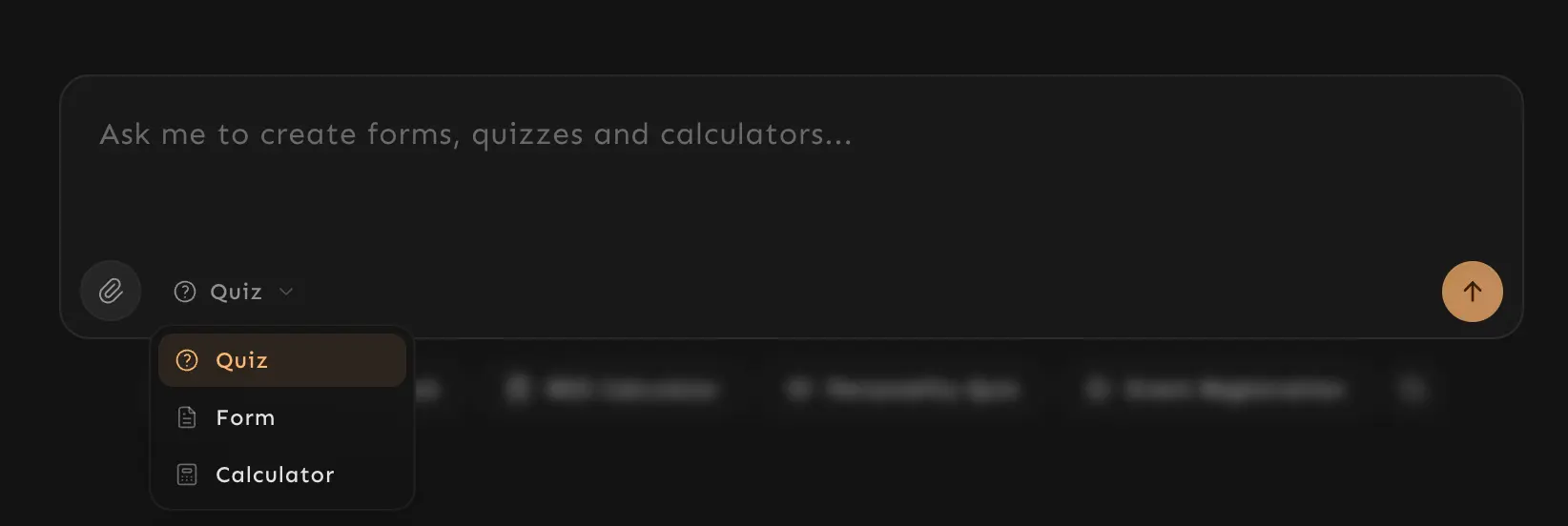
Switch between Quiz, Form, and Calculator modes in the AI chat. The AI adapts its generation based on the selected mode.

Expand any submission in the results table to view full details in a sidebar.
Paste any web link or YouTube video URL into the AI chat to generate forms and quizzes instantly. Say: "Make a quiz from this video" or "Build a form based on this page."
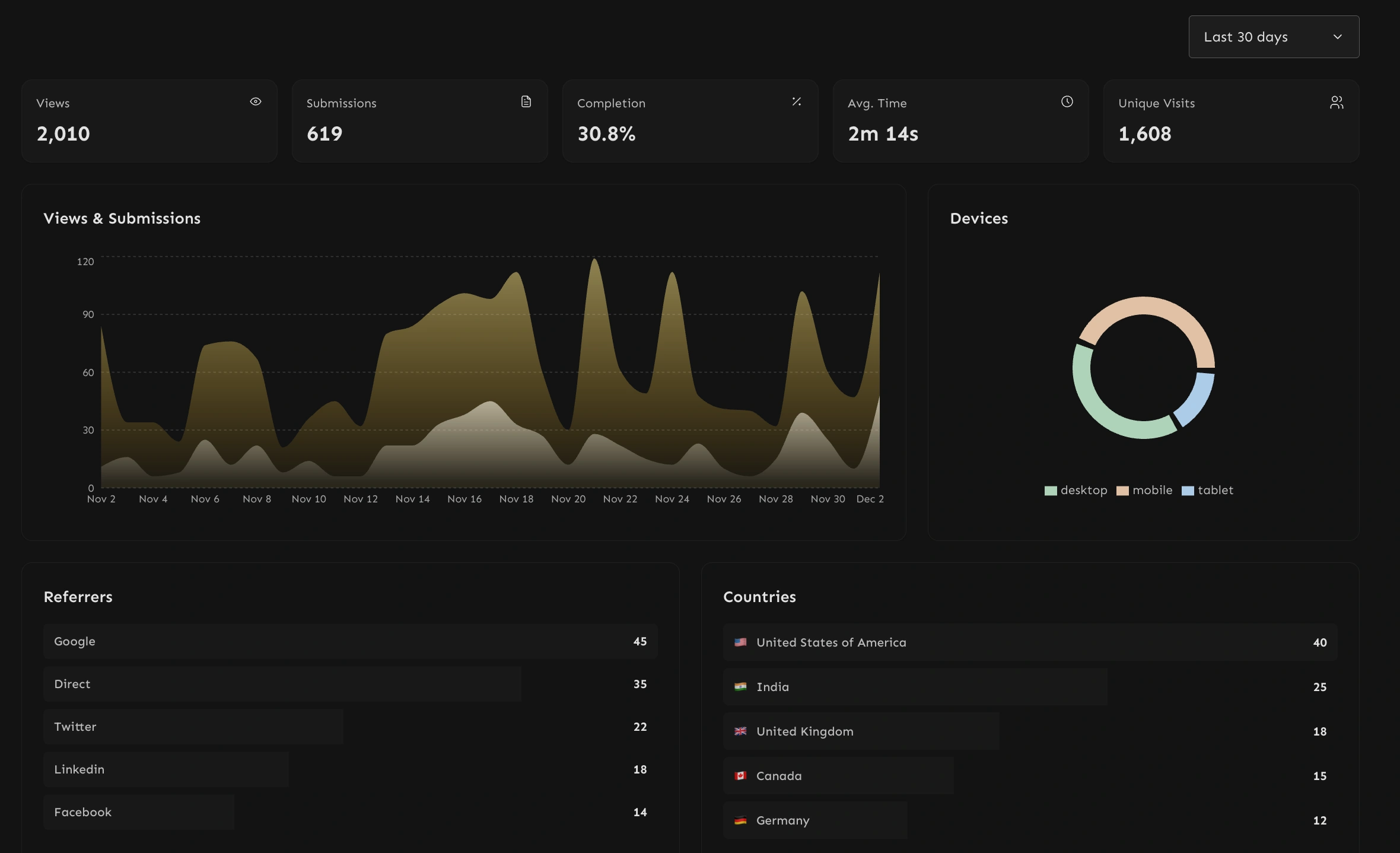
Track form performance without external tools — views, submissions, completion rate, device breakdown, top referrers, countries, and more.

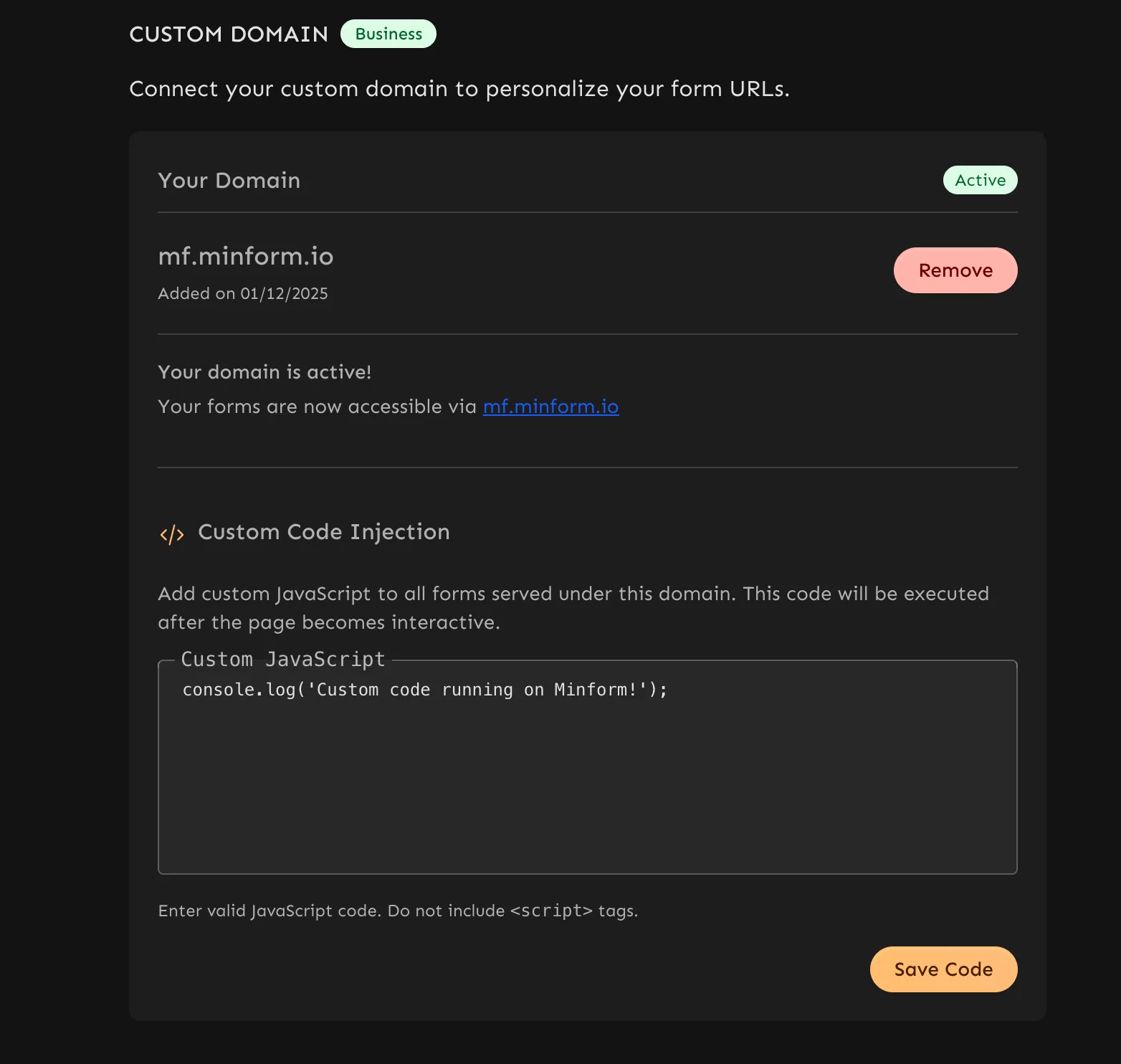
Add custom JavaScript to your forms — tracking scripts, custom logic, or third-party integrations.

Upload images and files directly in the AI chat to give the AI better context for generating forms.
Track form submissions and conversions with Meta Pixel. Enable via integrations settings.
Ask the AI to revert your form to a previous version without opening the version history dialog.
Migrated core workloads to Cloudflare Workers for significantly faster editor loads and snappier AI operations.
Live progress tracking during form generation, support for 100+ question quizzes, and element-based credit usage for fairer deductions. Pro plan doubled to 100 credits/month, Business increased to 250 credits/month.
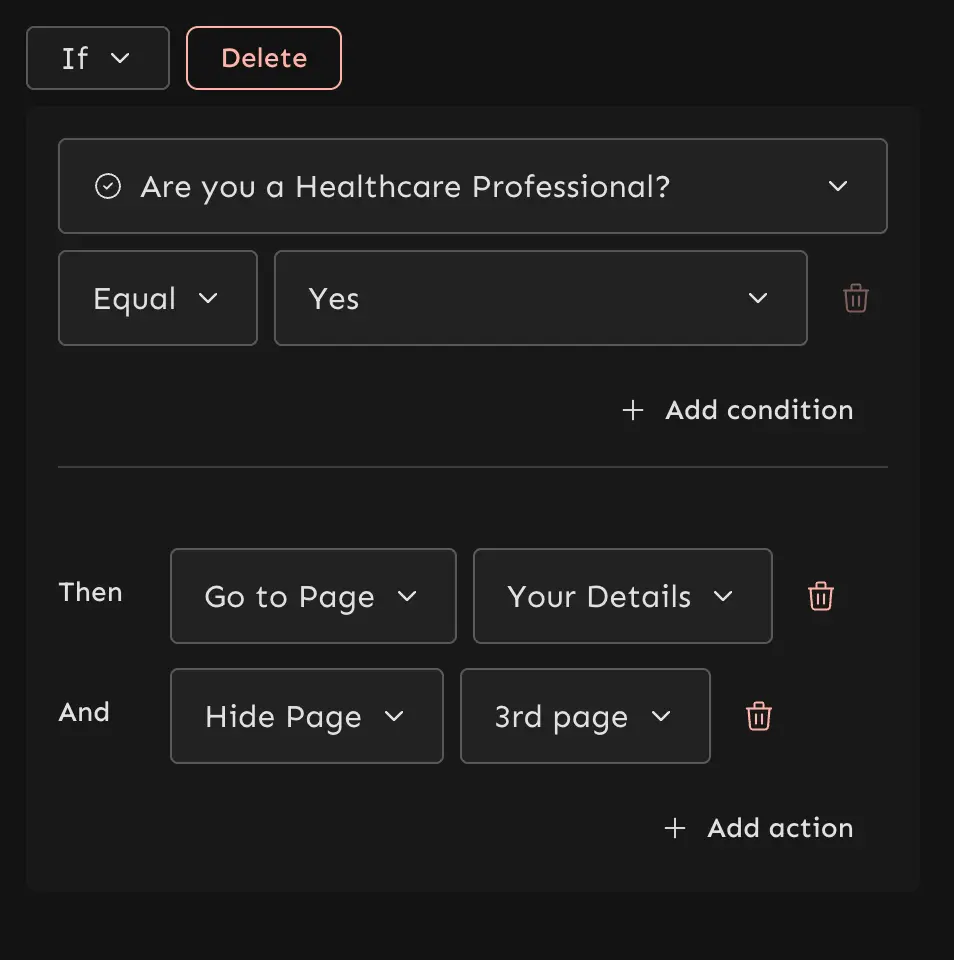
Control page visibility based on user responses — pages can be shown or hidden dynamically for more sophisticated form flows.

Parallel chunk processing and better progress feedback for large file uploads.
Translate any form into 40+ languages while preserving structure and functionality. Just say: "Translate this form to German".
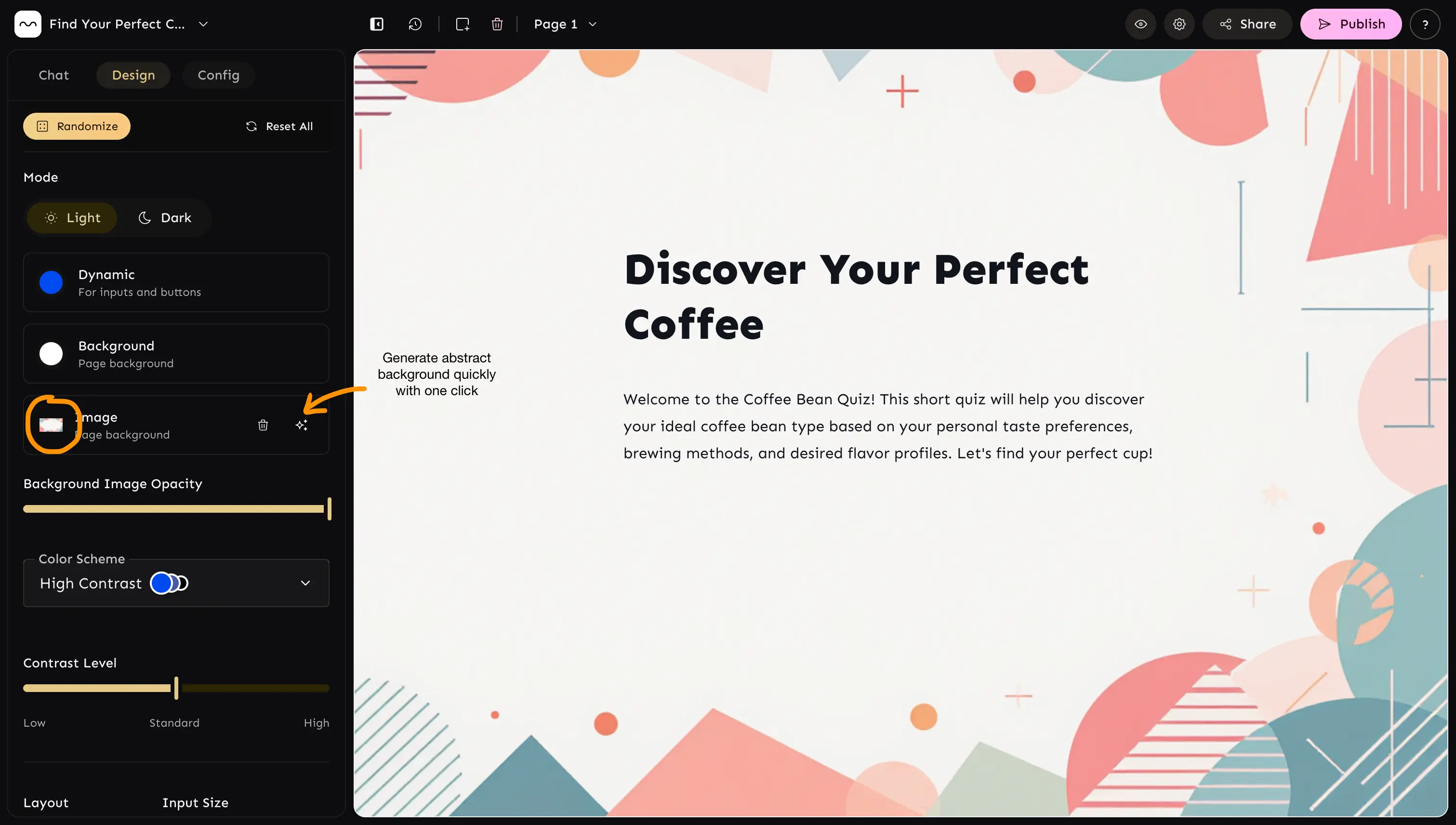
Set custom background images with AI-powered generation and opacity controls.

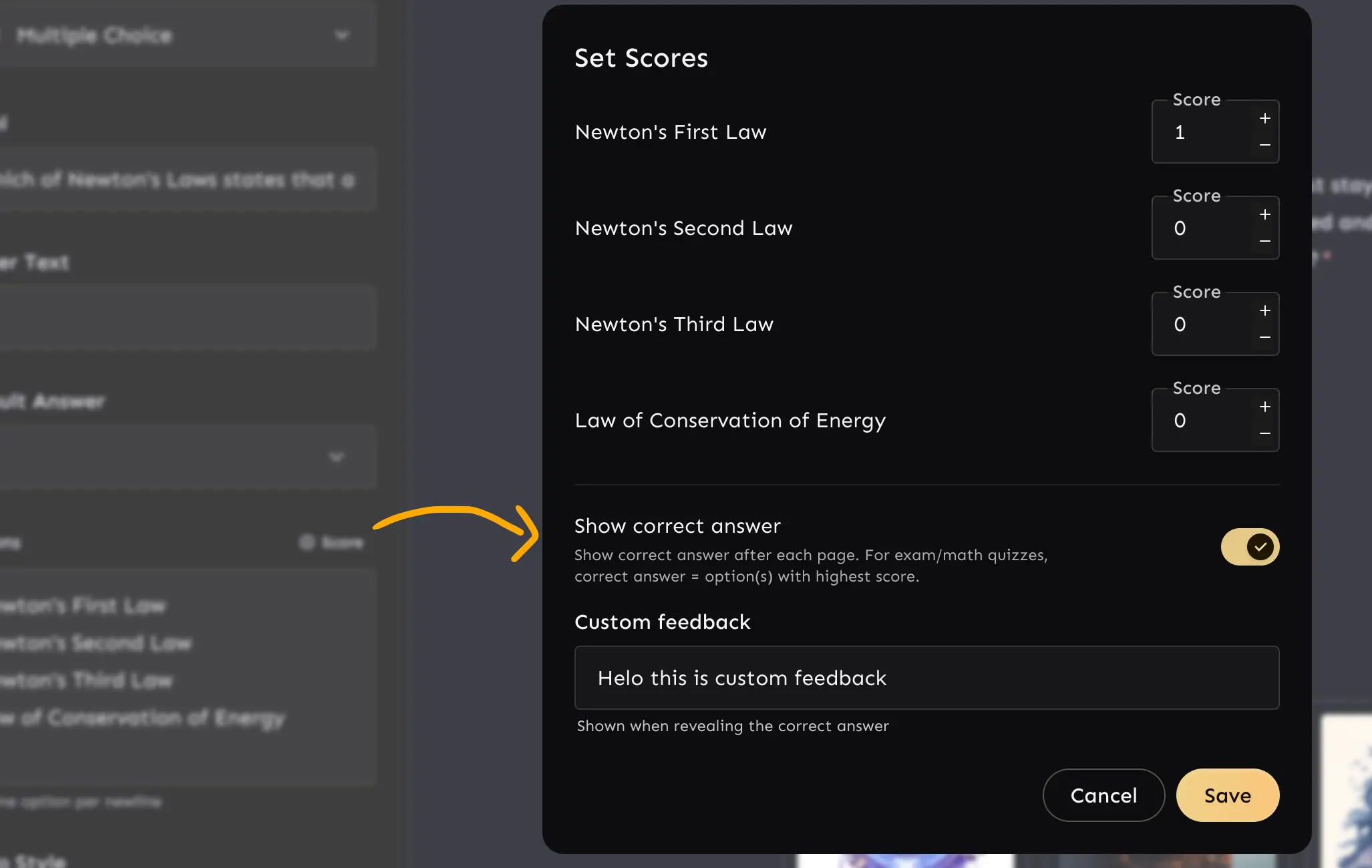
Add custom feedback on multiple choice and picture choice components — useful for exams and trivia quizzes.

Templates are now categorized into forms, quizzes, and calculators for faster browsing.
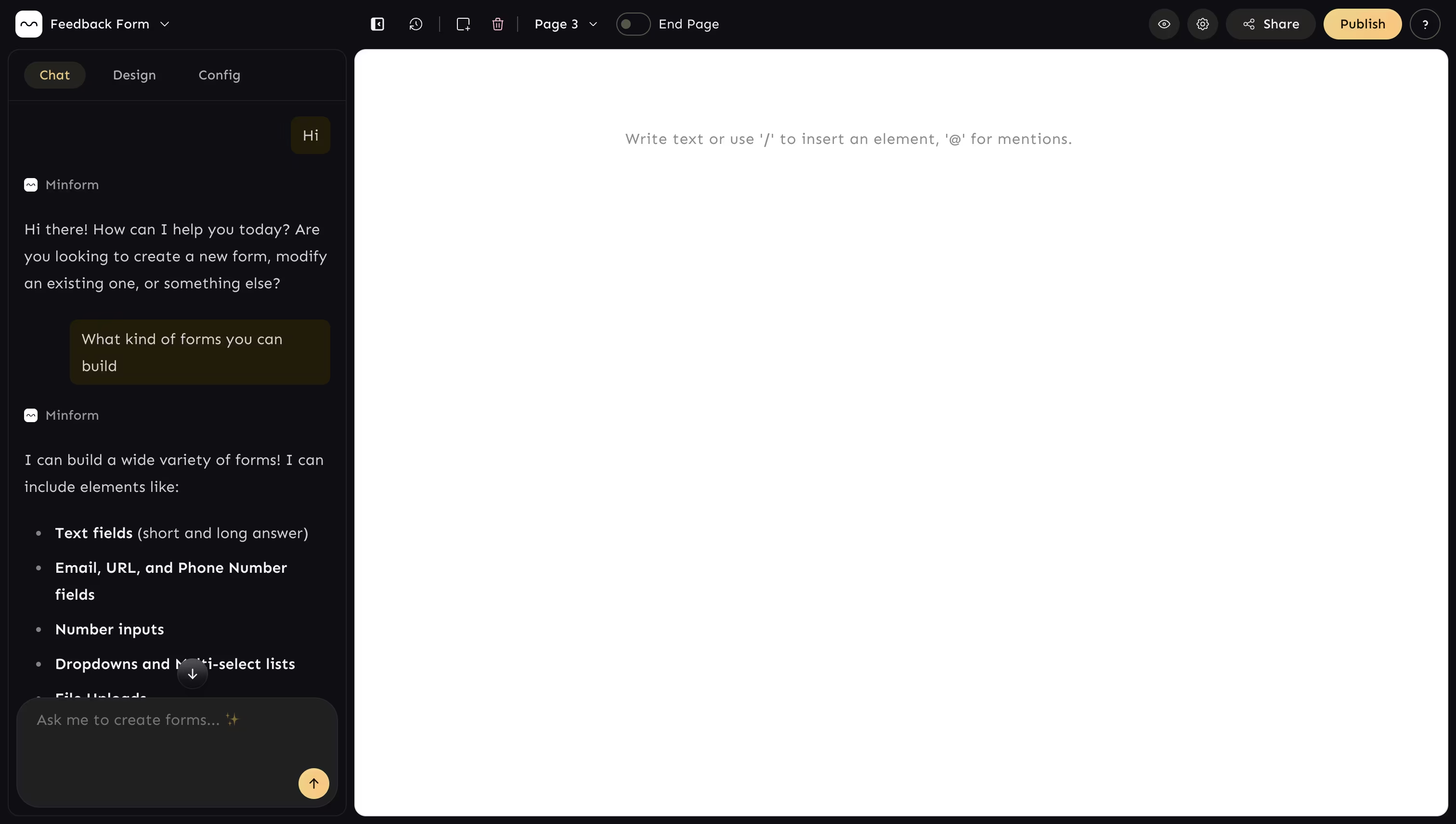
AI-powered chat-first form building, dark mode, and a completely redesigned editor. Build forms by describing what you need in natural language, with automatic version snapshots before every AI edit.

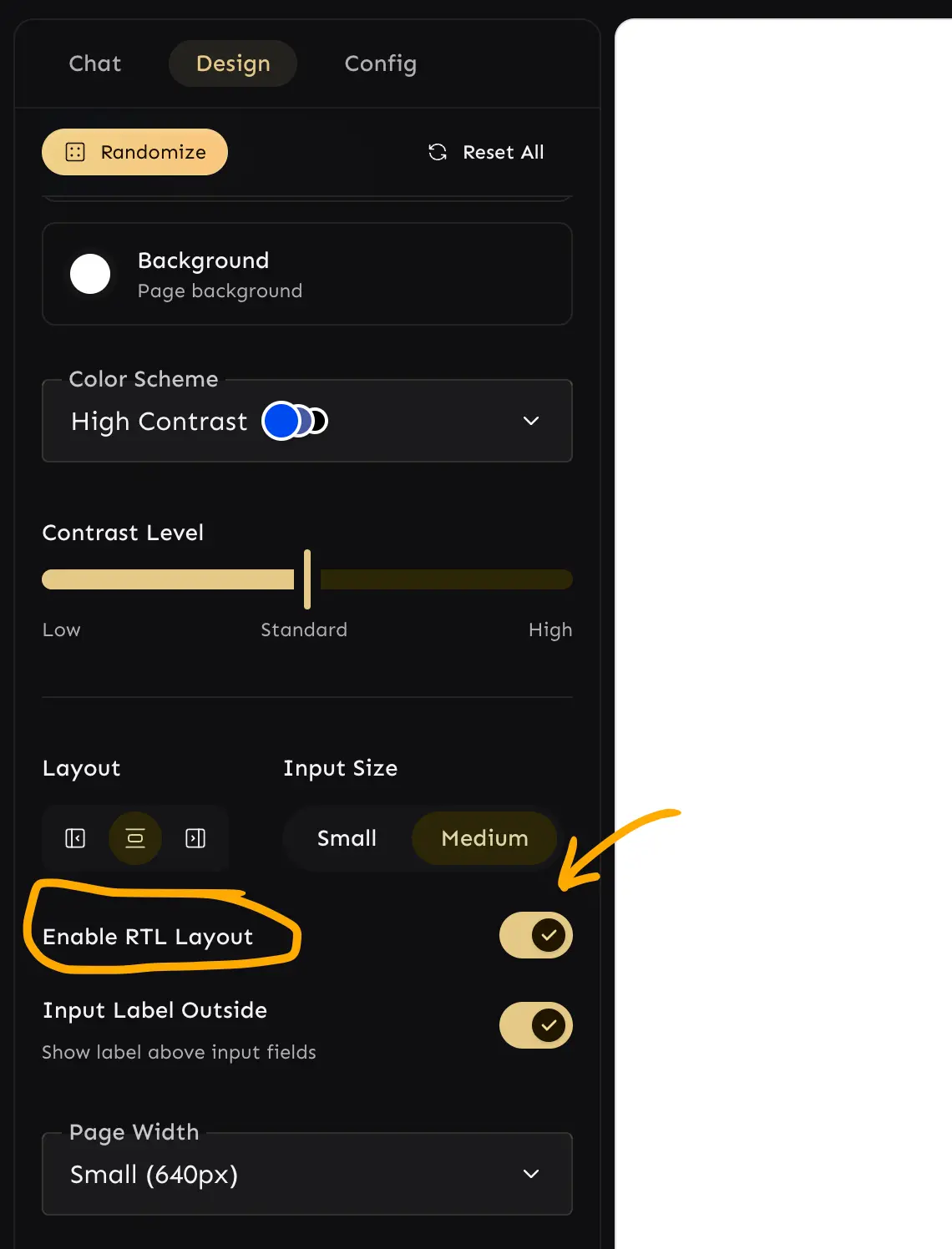
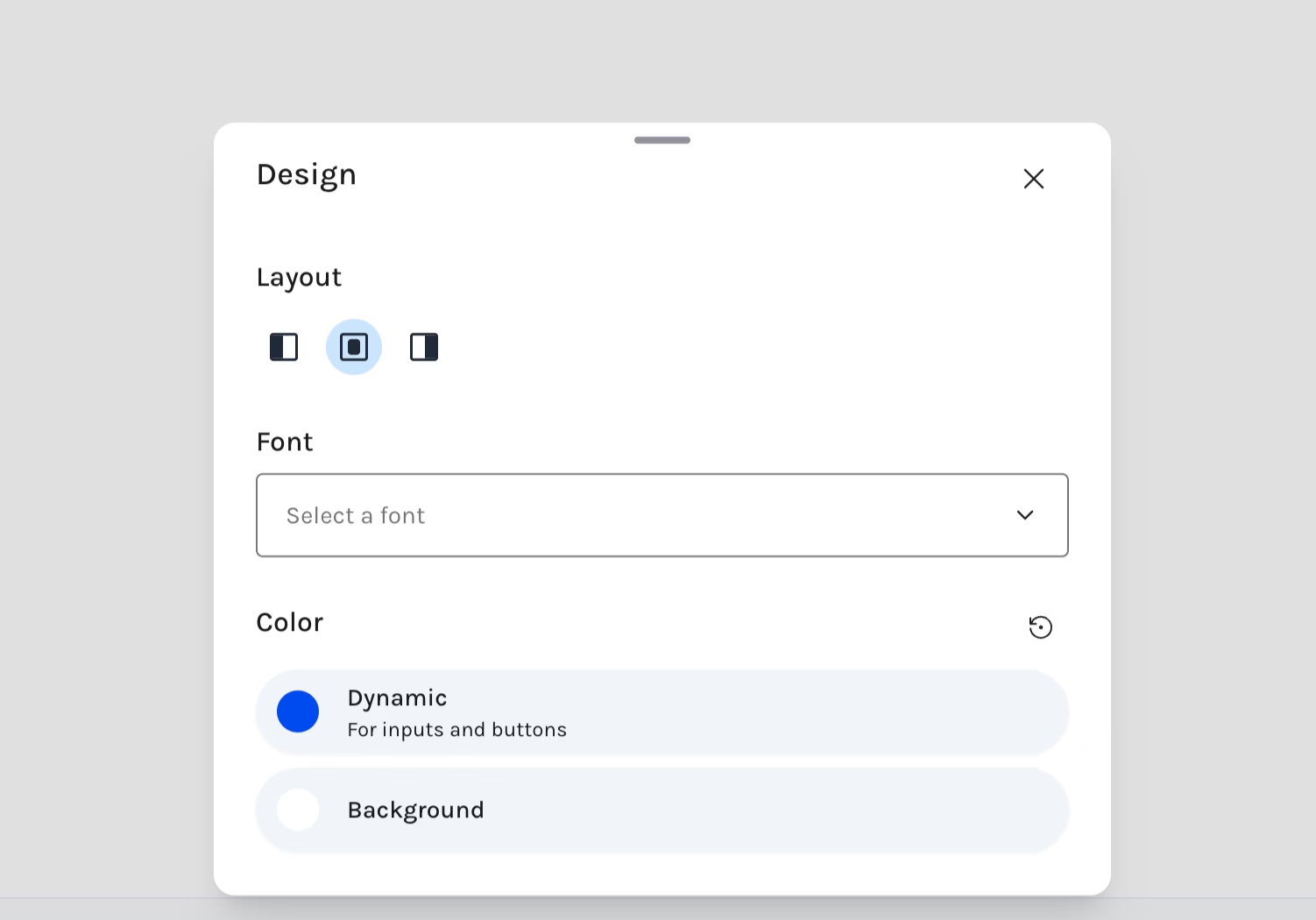
Right-to-left layout support for Arabic, Hebrew, and other RTL languages. Enable via the Design tab.

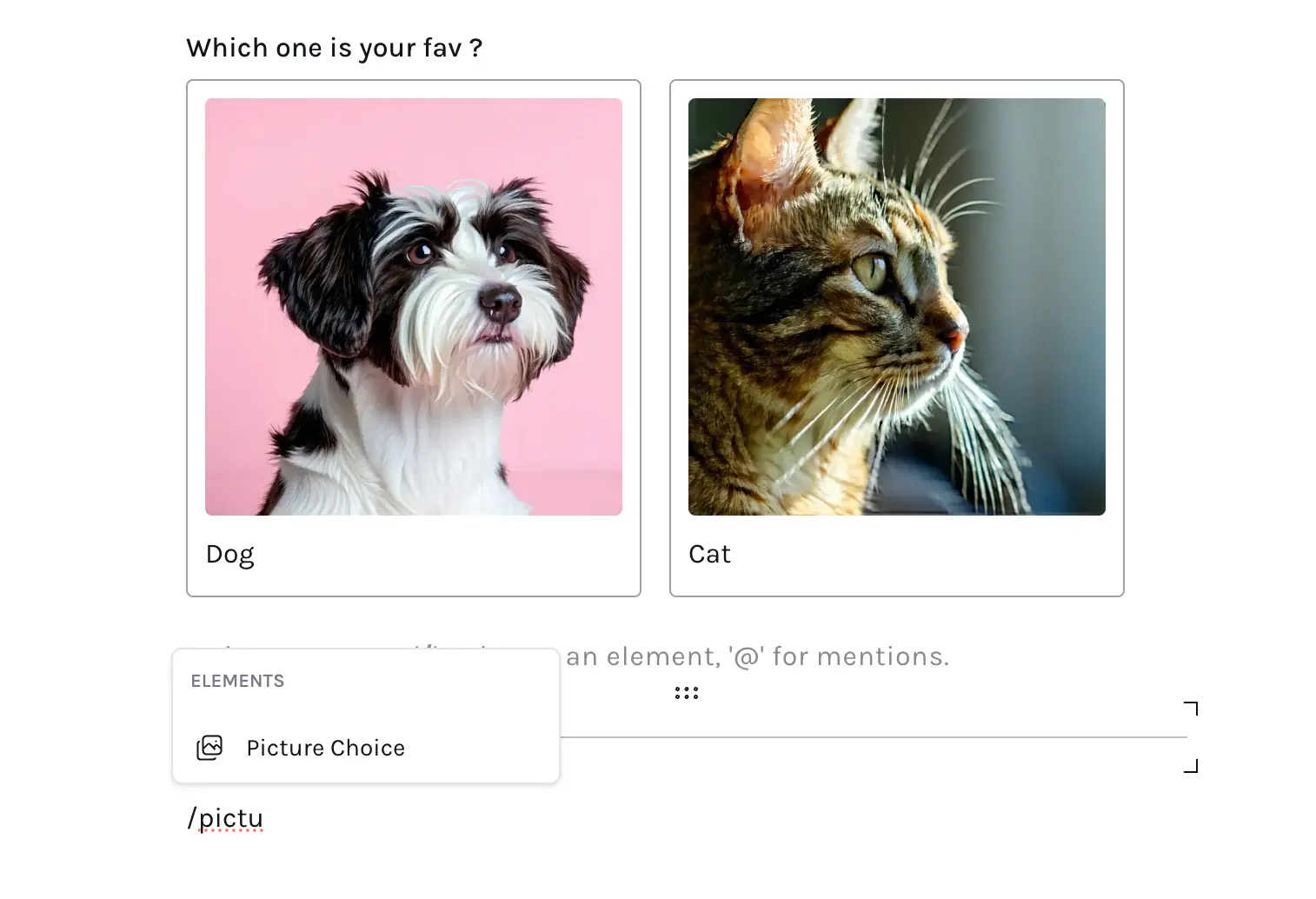
Display photos in each option — great for quiz-type forms.

Generate images via AI directly in the editor.
Track form completion progress. Enable via form settings.

Prevent spam with Cloudflare Turnstile captcha.
Build calculator forms with AI — mortgage, loan, pricing calculators, and more.

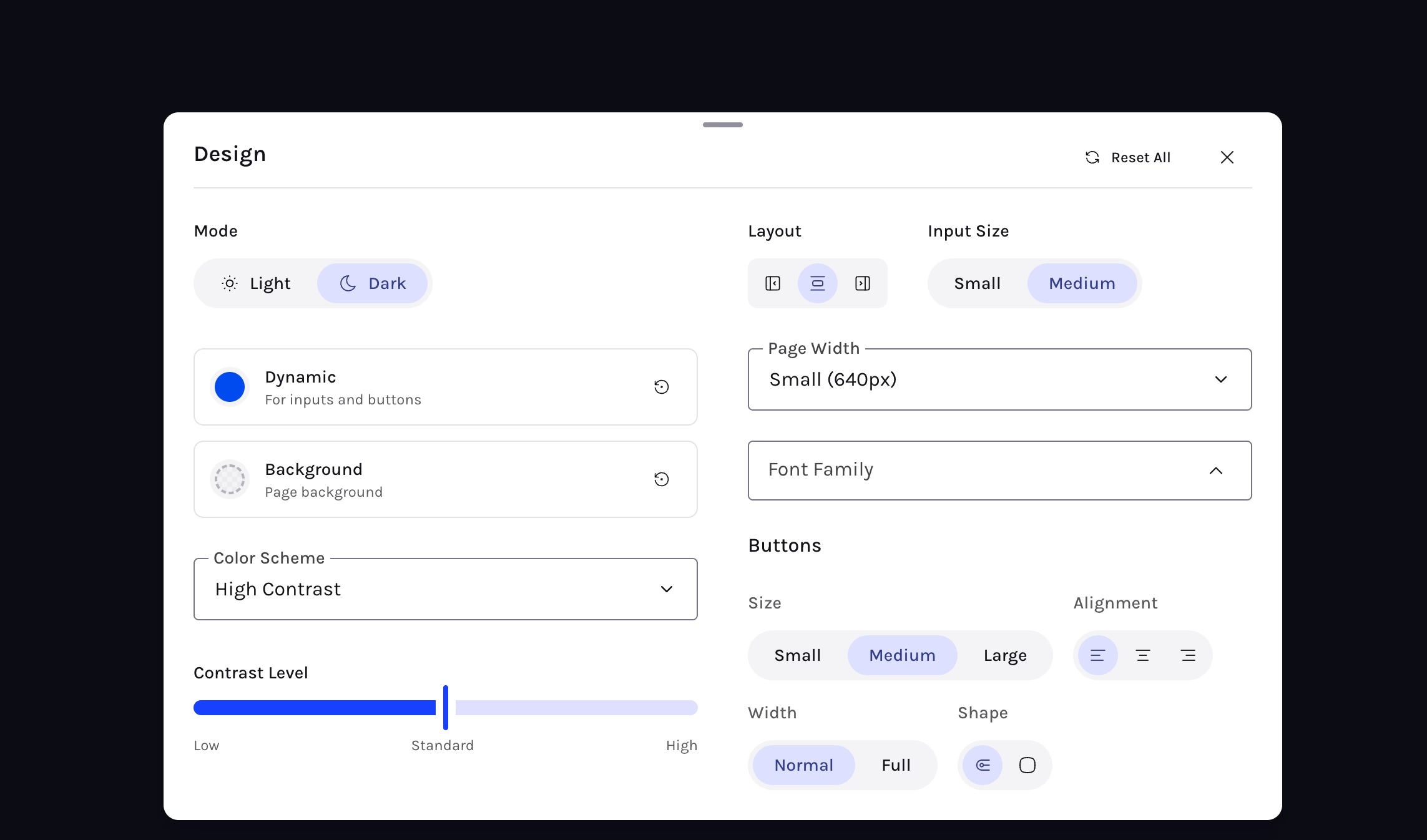
Completely redesigned with dark mode support, expanded customization, and a randomize button.

Embed any URL — YouTube, Vimeo, PDF, audio, video, and more.
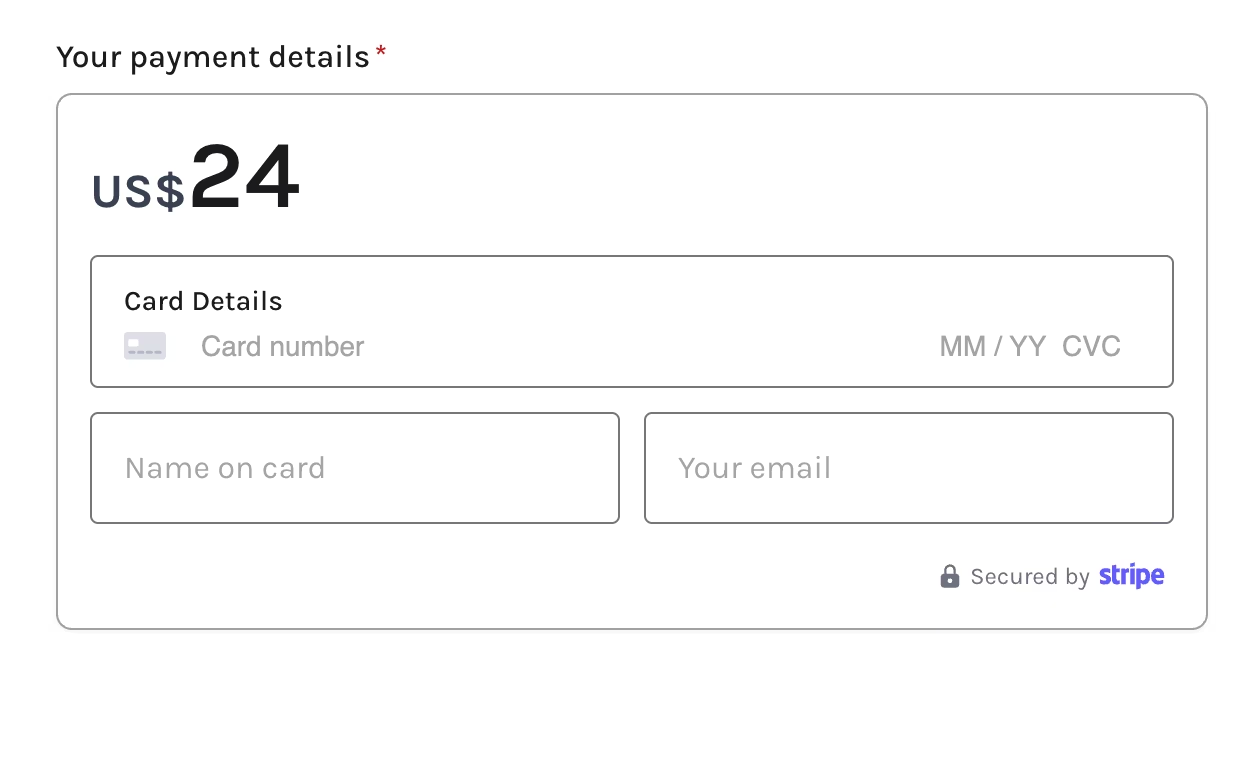
Collect payments with Stripe — supports both test and live modes.

Set time limits on forms — useful for quizzes and timed assessments.
Collect audio responses from users.

Start timed forms only via access code — great for secure quizzes.
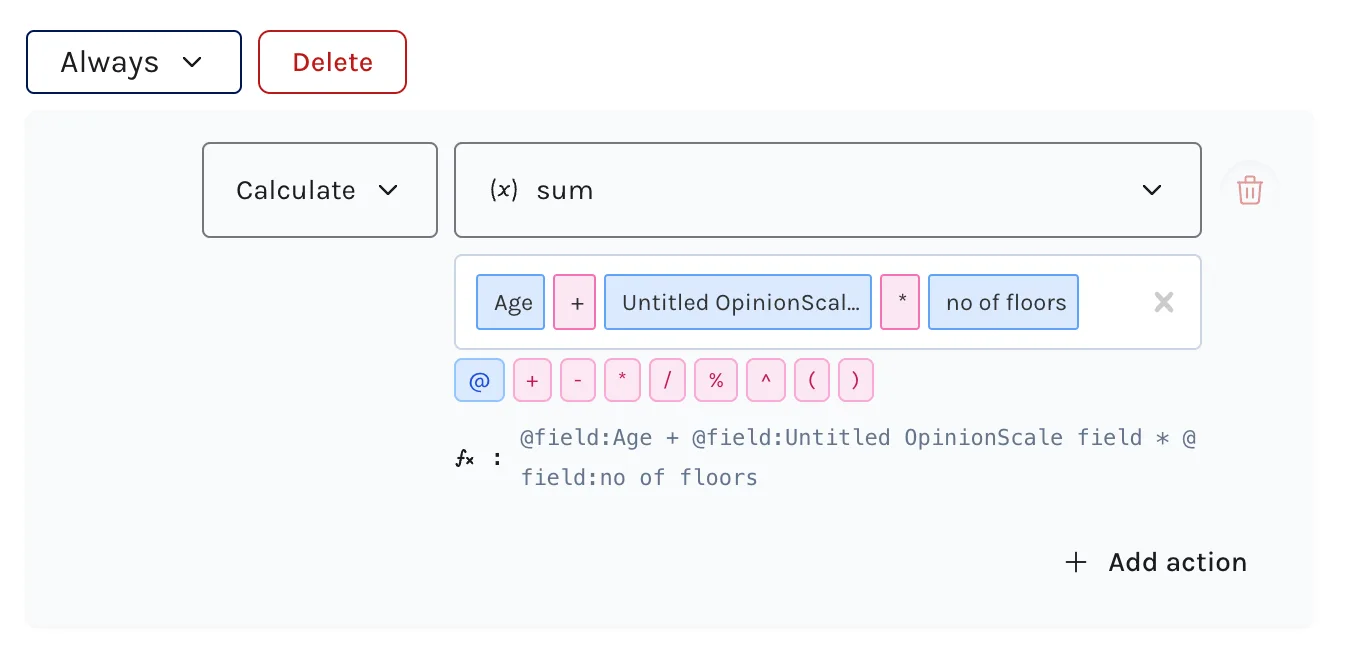
Added AVG, SUM, LOG, SQRT, ABS, ROUND, FLOOR, CEIL, MIN, MAX functions in the logic builder.
Conditional logic to jump between pages, hide/show elements, create variables, and reference them with @mentions.
Build calculator forms with powerful logic and a new slider element.

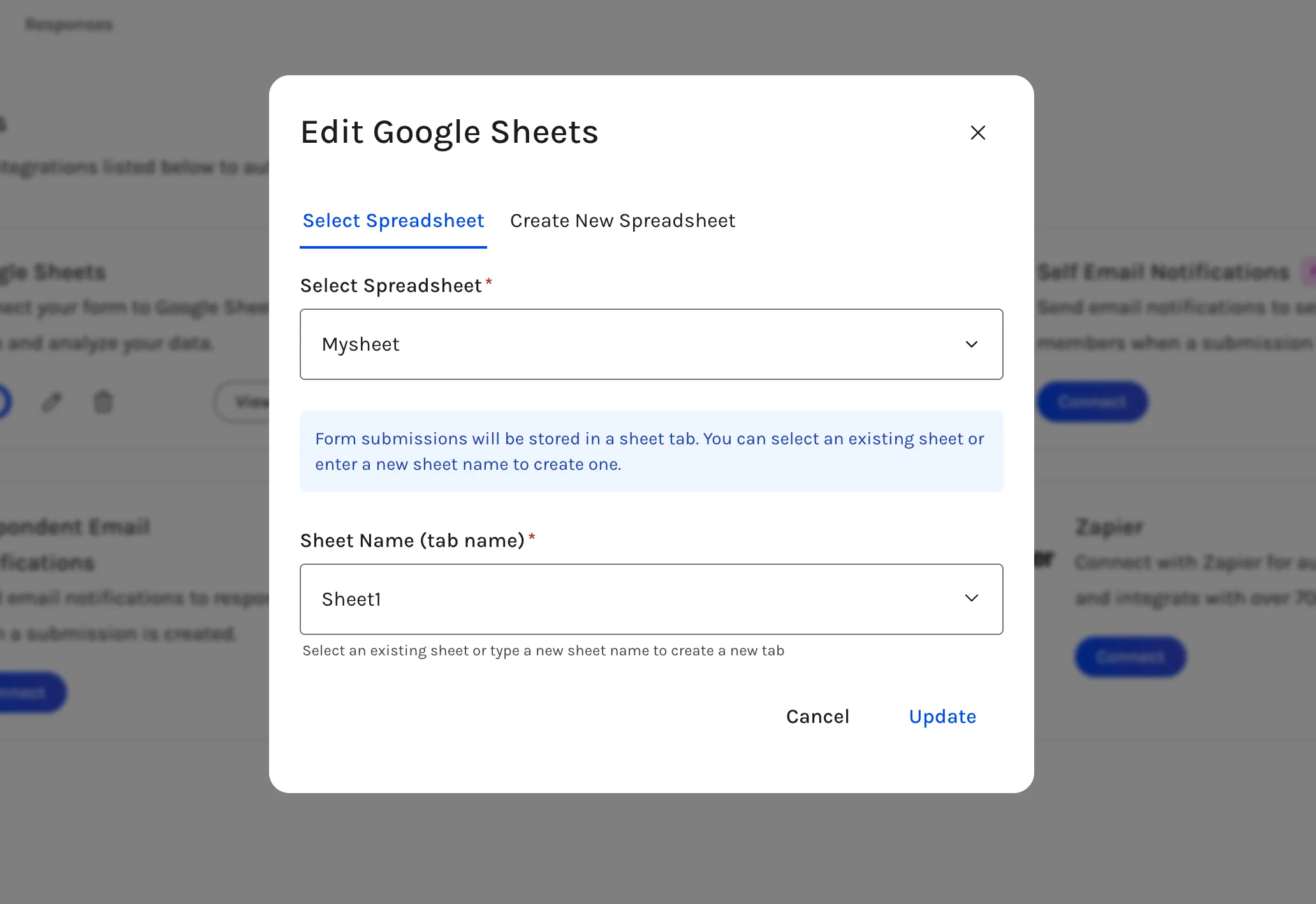
Sync form submissions directly to Google Sheets.

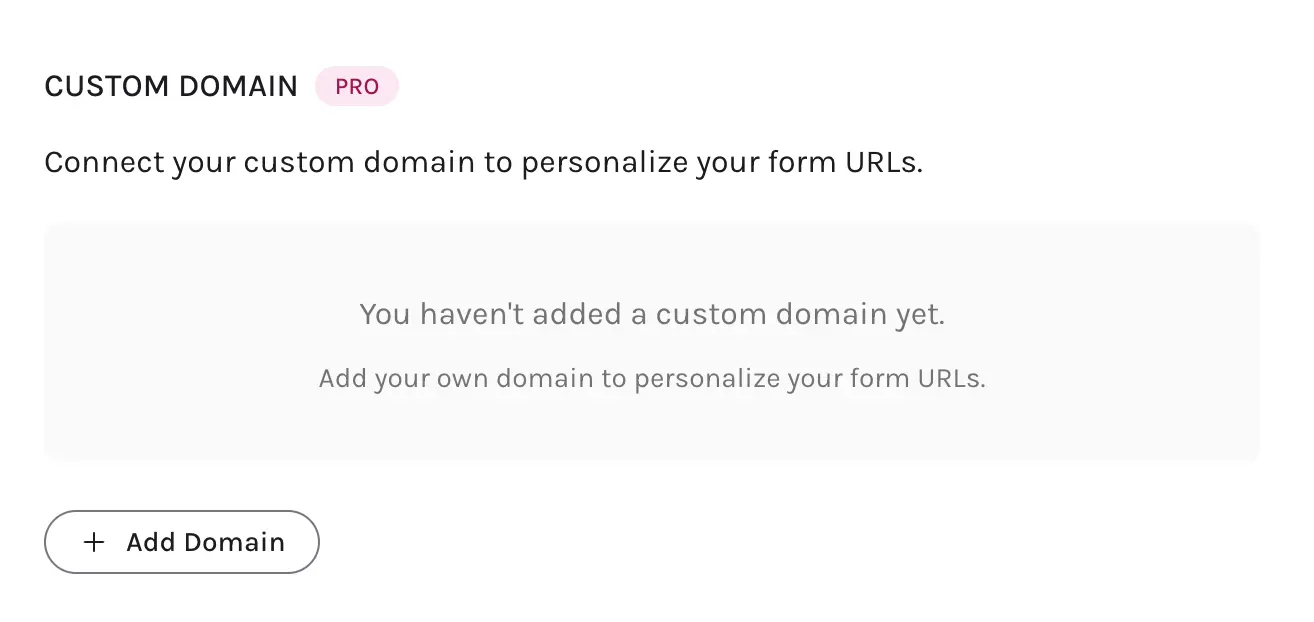
Display forms on your own domain.

Send email notifications to yourself or respondents on form submission.
Automate your forms with Zapier.
Track form submissions and page views with GA.
Respondents can save form state and continue later.
Collect digital signatures from users.
Multi-select dropdown for forms with multiple options.
Customize social share and search engine metadata.
Launched the help center with getting-started guides and feature docs.
New date picker and time field elements.
Add an "Other" option to multiple choice and dropdowns.
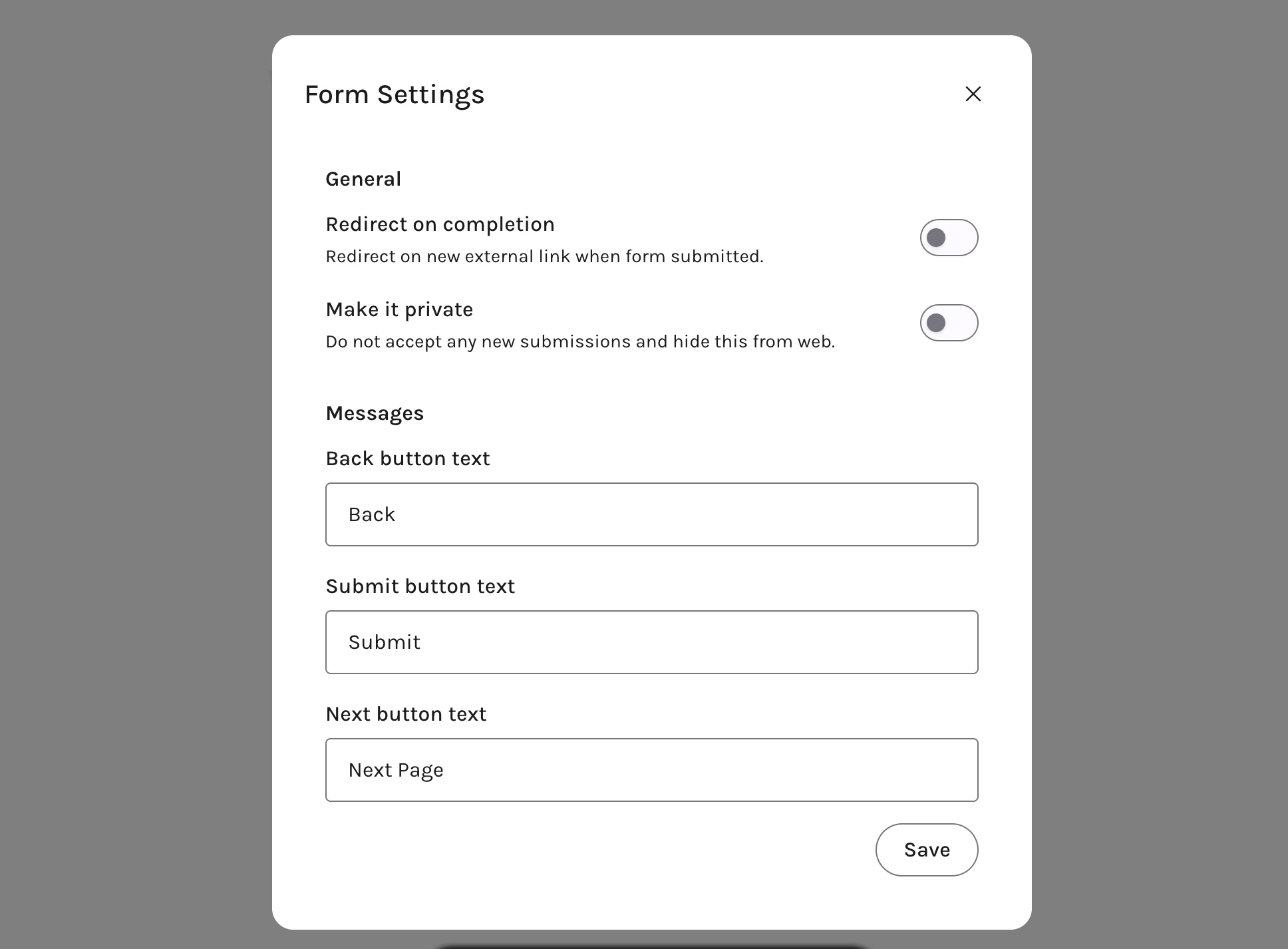
Customize submit and back button text via form settings.

Customize forms with input colors, backgrounds, and fonts.

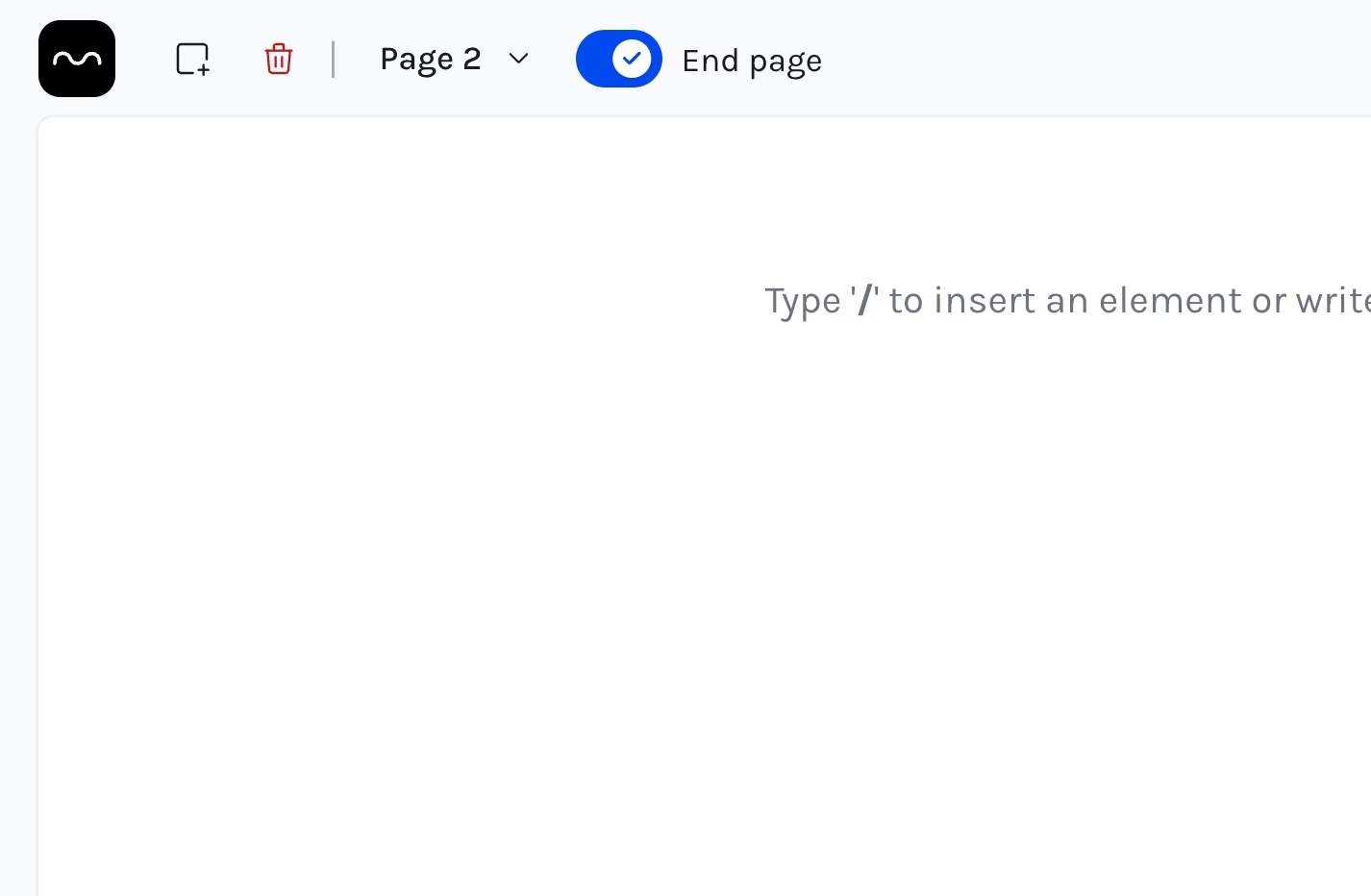
Transform any page into a thank you page with a toggle switch.

Invite team members and create workspaces to organise forms.

Complete rewrite of the form editor — minimal, fast, built with Tailwind CSS and React Aria.

Added support for embedding forms in multiple ways.
Send notifications when a form is submitted.
Initial release of the form builder with a doc-like editor.