 Minform
Meta (Facebook) Pixel
Minform integrates with Meta Pixel (formerly Facebook Pixel) to help you track visitor activity and measure the effectiveness of your advertising.
NOTE : This feature is available on Pro and Business plans.
How to Connect
- Open your form in the Minform dashboard.
- Go to the Connect tab.
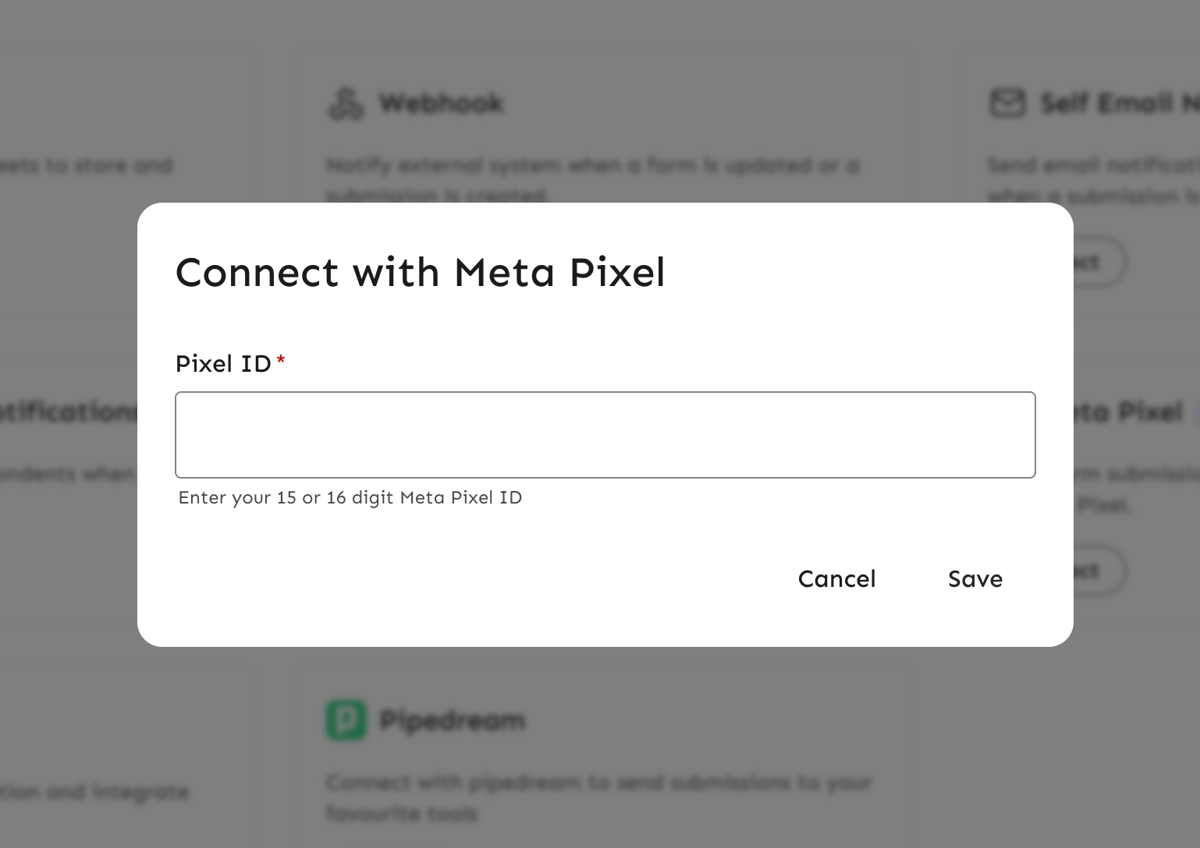
- Click on Meta Pixel.
- Enter your Pixel ID (15 or 16 digit number).
- Click Save.
Tracked Events
Minform sends the following events to your Meta Pixel:
1. Page Views (Standard)
- Event Name: PageView
- Trigger: Fired automatically when the form loads and on every page navigation.
2. Minform Page Views (Custom)
- Event Name:
minform_page_view - Trigger: Fired alongside the standard PageView event, providing specific form context.
- Parameters:
url: The URL of the form.- page: The page number (e.g., 1, 2).
3. Form Submissions
- Event Name:
Lead(Standard Event) - Trigger: Fired when a user successfully submits the form.
- Parameters:
content_name: The name of the form.source: 'Minform'
Verifying the Integration
To verify that your Pixel is working:
- Install the Meta Pixel Helper Chrome extension.
- Open your form in a new tab.
- Click the Pixel Helper icon in your browser toolbar.
- You should see both PageView and
minform_page_viewevents fire when the page loads. - Submit the form and check for the
Leadevent.